Workflow Rescue

When an after-call handoff stops working, start here.

Workflow Rescue is for Setup Sprint customers whose AFO-configured workflow is no longer doing what the business expects after the included support window ends. If you just received a Quivix AFO coupon code, start with Setup Sprint instead.

Rescue tiers

Choose by how many existing handoffs need review.

Each tier starts with a guided intake before secure checkout so AFO can see the expected result, actual result, tools involved, recent changes, and evidence. New workflows, new integrations, rebuilds, monitoring, and managed maintenance require a separate purchase or written agreement.

Troubleshooting depends on available customer access, platform status, permissions, logs, and account limits. View platform disclosures.

$197

Workflow Rescue Starter

Troubleshooting for one existing AFO workflow when a call result is missing, delayed, duplicated, routed wrong, or no longer landing where expected.

  • 1 workflow reviewed
  • Diagnosis and reasonable repair attempt
  • Written notes on what was checked
  • 7 days same-issue clarification
Start Starter Intake

$397

Workflow Rescue Growth

Troubleshooting for up to three related AFO workflows or one connected handoff chain that is not behaving the way it should.

  • Up to 3 workflows reviewed
  • Best for related handoff issues
  • Diagnosis and reasonable repair attempts
  • 7 days same-issue clarification
Start Growth Intake

$797

Workflow Rescue Complete

Troubleshooting for a broader AFO workflow issue across up to 10 configured handoffs, with notes on what was checked and what changed.

  • Up to 10 workflows reviewed
  • Best for broad post-handoff review
  • Diagnosis and reasonable repair attempts
  • 7 days same-issue clarification
Start Complete Intake

Support boundary

Workflow Rescue checks the broken handoff and explains what was found.

Rescue covers diagnosis, reasonable troubleshooting, and reasonable repair attempts for AFO-configured workflows within the purchased workflow count. It does not promise guaranteed fixes, uptime, emergency response, ongoing monitoring, new workflows, new integrations, or managed maintenance.

AFO can review

  • Workflow logic, triggers, actions, filters, and routing rules
  • Field mapping, permissions, logs, failed runs, and recent changes
  • Sample data tests when access and the tool environment allow it

AFO can provide

  • Likely cause when determinable from available access or logs
  • Reasonable repair attempts when tool access allows the change
  • Written notes about what was reviewed, found, changed, or recommended

Not included

  • Guaranteed fixes, uptime, emergency response, or monitoring
  • New workflows, new integrations, rebuilds, or managed maintenance
  • Third-party outages, platform bugs, deleted data, or account limits

Which path fits?

Use the right support route for the request.

Inside the first 14 days

Included support

Use included Setup Sprint support for questions, troubleshooting, handoff clarification, and reasonable fixes tied to workflows configured during the sprint.

Contact support

After day 14

Workflow Rescue

Use Workflow Rescue when an AFO-configured workflow needs paid troubleshooting after the included post-handoff support window ends.

Choose a tier

New build or new integration

Setup Sprint

Use a new Setup Sprint when the request is for a new workflow, new integration, redesign, replacement system, or broader implementation work.

See setup tiers

Before buying

Have the details ready so troubleshooting can start cleanly.

1. IntakeProvide checkout email, original Setup Sprint tier, handoff date, affected workflows, expected result, actual result, tools, recent changes, and evidence.
2. ReviewConfirm the Rescue tier, troubleshooting context, and scope acknowledgment before payment.
3. CheckoutPay through secure Stripe Checkout with the intake attached to the purchase.
4. BookAfter payment, choose your Rescue session time and confirm the prefilled details.
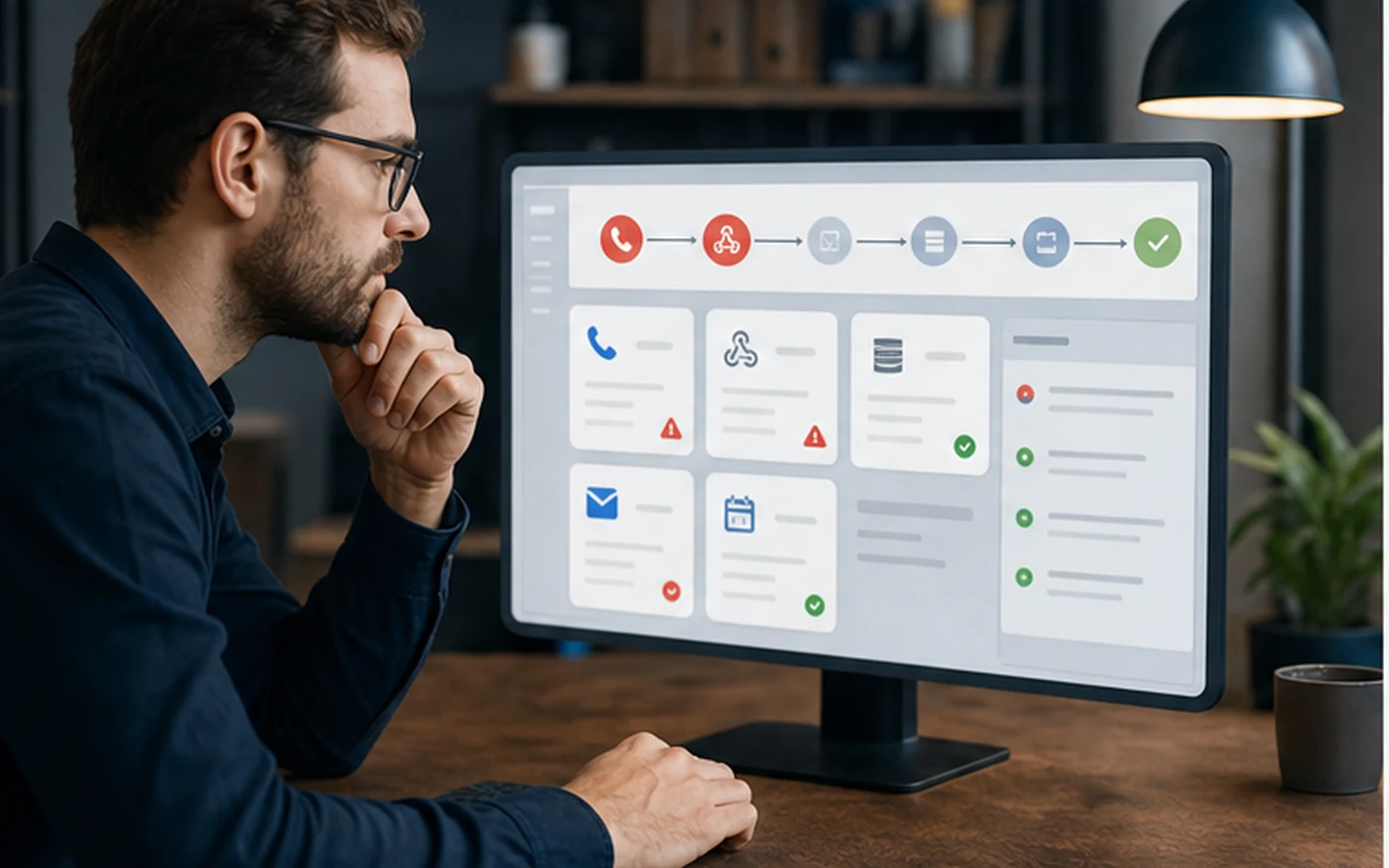
Workflow Rescue diagnostics and troubleshooting board
Issue details firstExpected result, actual result, logs, tools, and recent changes guide the review.
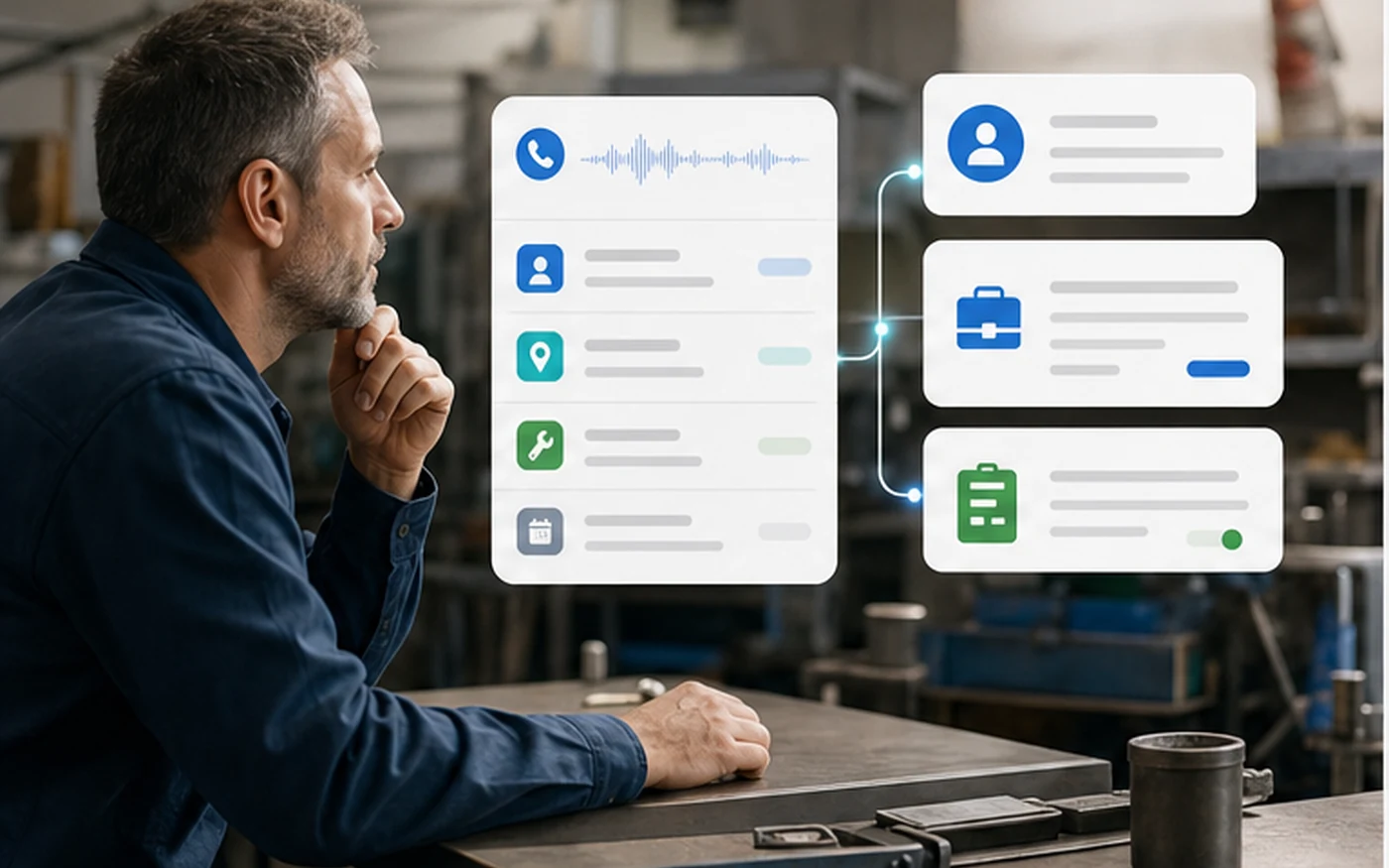
Completed call workflow routing after troubleshooting
Back to clean handoffThe goal is to understand what changed and attempt a reasonable repair.

Questions

Quick answers before you buy.

Does Workflow Rescue guarantee a fix?

No. It covers diagnosis, reasonable troubleshooting, and reasonable repair attempts. Some issues depend on third-party outages, deleted data, permissions, billing limits, platform bugs, or platform changes outside AFO control.

Can I use Rescue for a new workflow?

No. Workflow Rescue is for AFO-configured workflows already built during a Setup Sprint. New workflows, new integrations, redesigns, or rebuilds should use a new Setup Sprint or a written custom scope.

What happens before checkout?

You complete the Rescue intake first: original Setup Sprint email, tier, handoff date, affected workflows, expected result, actual result, recent changes, tools involved, and screenshots, logs, or error details.

When do I book the session?

After secure checkout, you continue directly to the booking step to choose a Workflow Rescue time and confirm the prefilled intake details.

Is this emergency support?

No. Workflow Rescue is not emergency response, uptime support, ongoing monitoring, or managed maintenance. It is limited-scope paid troubleshooting for the purchased issue.

Start Intake Setup