High Urgency Pest Control Call to Owner or On-Call Alert
Uses: caller name, phone number, requested service, urgency, call summary
 Automation for Owners
Built for AI phone webhook payloads
Inspection booking, recurring service, urgent infestation, and follow-up automations. Built to turn AI phone completed-call webhook data into CRM updates, job-system handoffs, follow-up tasks, dashboards, and team alerts.
Workflow proof
Use this pack to move from a completed-call webhook payload to clean routing, follow-up, owner visibility, and missed-opportunity recovery without starting from a blank automation screen.
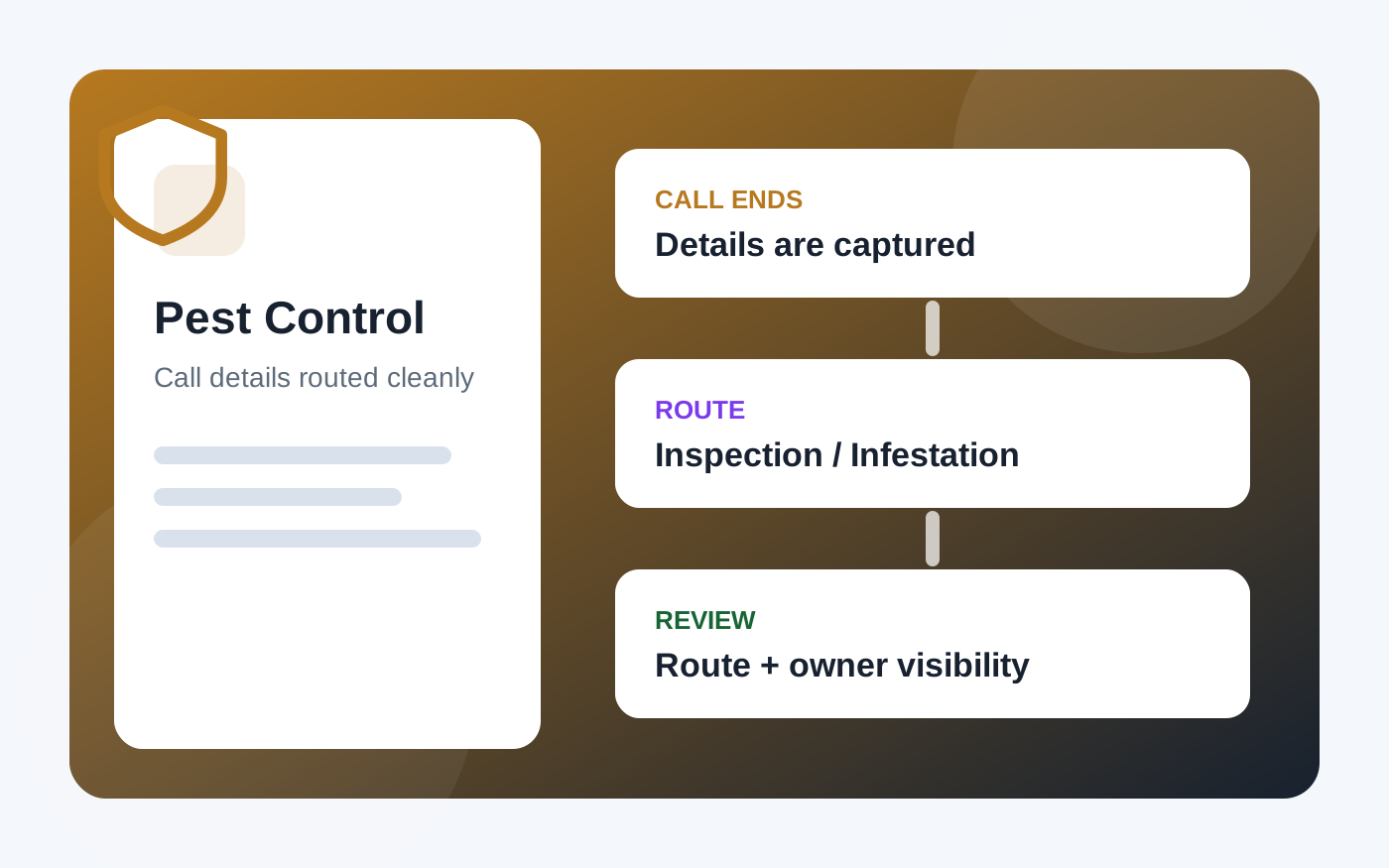
Industry-specific visual
This page uses a dedicated Pest Control visual, and the workflow section shows how AI phone call data can support routing, follow-up, reporting, and manager review.
Starter implementation files
Use these starter workflows for quick wins, then use the advanced blueprints to build stronger follow-up, routing, reporting, owner visibility, and missed-opportunity recovery.
Uses: caller name, phone number, requested service, urgency, call summary
Uses: booked, caller name, phone number, requested service, call summary
Uses: lead quality, caller name, phone number, requested service, followup recommendation
Uses: booked, phone number, requested service, followup recommendation, call summary
Uses: call id, caller name, phone number, requested service, urgency, call summary
Best first rollout
This gives the business useful automation quickly, then creates a clean base for reporting, manager review, and missed-opportunity recovery.
Send every completed call into a shared record so the team has one place to review call outcomes.
Send urgent calls to the person who can act fastest, with the caller and issue included.
Notify the right team member when a caller books, schedules, or asks for a confirmed next step.
Create a follow-up task when a caller shows interest but does not book during the call.
Summarize booked calls, urgent calls, missed opportunities, and follow-up tasks for weekly review.
Outcome assets included
The ZIP includes dashboard templates, a missed-opportunity tracker, a response-time scoreboard, a first 7 days rollout plan, and an outcome playbook for owner visibility and manager review.
Weekly call summary, missed-opportunity tracker, and response-time scoreboard CSVs for Sheets, Airtable, Excel, or CRM reporting.
Guidance for missed opportunity recovery, speed-to-lead, owner visibility, manager review, and weekly revenue leak reporting.
A practical implementation order that starts with call logging and builds toward routing, follow-up, reporting, and review.
Included automation blueprints
These are the additional workflows included in the paid industry pack, beyond the starter files and dashboard templates above.
Basic
Store the call summary in a shared system so the team can see what happened without reading a transcript.
Send urgent calls to the right person with the caller name, phone number, issue, and recommended next step.
Notify the right team member when a call results in a booked appointment, visit, consultation, or confirmed next step.
Create a task when the caller had interest but did not book or commit during the call.
Create or update the contact record so the business has a clean starting point for future follow-up.
Tag the call by service type so reporting, routing, and follow-up can be organized later.
Intermediate
Route strong buying signals into a faster follow-up path instead of treating every caller the same.
Start a follow-up sequence when a caller asks about pricing, estimates, or consultation but does not schedule.
Capture referral source, ad campaign, or landing page context when available so lead quality can be measured.
Flag complaints, negative sentiment, missed expectations, or sensitive calls for human review.
Trigger a recovery task when a booked call later becomes a missed or canceled appointment in the connected system.
After a successful outcome, create a task or message draft for reviews, referrals, or testimonials.
Advanced
Combine urgency, service type, lead quality, booking status, and caller history into a daily priority list.
Place unbooked but qualified callers into a timed sequence across email, SMS, CRM tasks, or manual callbacks.
Collect calls that are missing key details, have conflicting information, or need a manager decision.
Summarize booked calls, unbooked opportunities, high-intent leads, and follow-up status by week.
Track whether urgent or high-value calls received human follow-up inside the expected time window.
Route calls differently by customer type, service category, location, availability, urgency, and lead quality.